Swat.io Insights 
Insights that move you forward.
- See what actually works across all channels
- Dashboards that answer your questions
- Automate tedious reporting so you can focus on execution.










Without clear data, social media is just guesswork
With Swat.io Insights, you know what's working within minutes instead of spending hours comparing exports.
By Social Media Professionals, for Social Media Professionals
Since 2010, we've been focused on the needs of professional social media teams. Whether you're a small team or an international enterprise, you need clarity and control to free up more time for the work that matters in social media management. More than 18,000 users currently trust our expertise.



More resources for strategic execution
-
The Explorer — Insights foundation for everyone
The Explorer is included in every Swat.io plan and shows you instantly how your channels are performing based on the most important KPIs, with no manual setup required. Pre-built dashboards for posts, audience, community engagement, and tags answer the most common questions right away. The Explorer is for anyone who regularly wants to know how social media is going, without spending half a day switching between platforms. You can see at a glance what's working, where there's potential, and where to adjust next.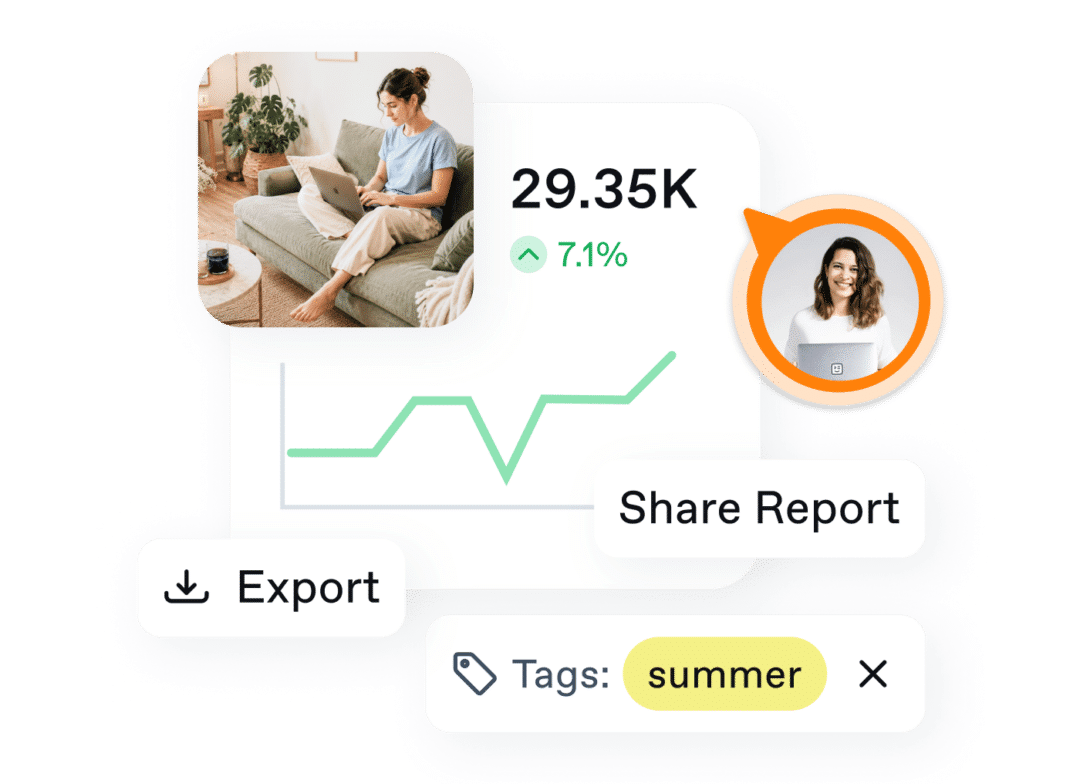

Explorer Features you'll love:

Cross-channel overview

Pre-built dashboards with no manual setup

Flexible filters

Performance in context

Export in one click
-
Advanced Insights to turn your data into clear answers
Advanced Insights is the add-on for teams on Medium and Large plans who need more than standard views. Maybe different stakeholders need different reports, or you need to analyze performance separately by format, campaign, or use case. You build your own dashboards exactly for your questions and have them sent automatically to everyone involved. So you're always ready for the next strategy meeting, no Excel required.

-
Premium Insights for effortless management of complex setups
With Premium Insights, you can build not only more dashboards than with Advanced Insights, but also larger ones. This add-on is designed for teams on Custom or Agency plans managing multiple brands, workspaces, or client accounts. You have the flexibility to build the right view for every level: a high-level overview for C-suite, individual dashboards per brand, and granular views for the operational team. Reporting stays readable even in complex structures and scales with your setup instead of becoming a bottleneck.

Add-on features,
Features you'll love:
Dashboard builder with 45+ widgets

Automated reports

Flexible chart types

Daily, weekly, or monthly view

PDF or Excel — your choice

Experience a social media analytics tool that drives you forward instead of holding you back
To actually draw conclusions from them, you first have to export, transfer, compare, filter, prepare, and interpret data from multiple platforms. Without the time and expertise to do this, reporting gets neglected — leading to invisible social media performance that goes unrecognized and, ultimately, worse results.





"With Swat.io, we’ve regained clarity in our social media management"

Unsere Kund:innen vertrauen auf Swat.io und das sagen sie über uns.


FAQ's
What is Swat.io Insights?
Swat.io Insights is the analytics module of Swat.io. It consolidates performance data from Instagram, LinkedIn, TikTok, YouTube, and other channels into a single dashboard, eliminating the need for manual reporting.
Which social media channels does Swat.io Insights support?
Swat.io Insights supports Instagram, Facebook, LinkedIn, TikTok, YouTube, Pinterest, Bluesky, and Threads. All channels appear in one dashboard. You see Instagram Analytics, TikTok Analytics, and LinkedIn Analytics side by side, without switching between platforms. The cross-channel setup runs without manual configuration.
How does Swat.io Insights differ from native platform analytics?
Native analytics tools like Instagram Insights or LinkedIn Analytics always show you only one channel at a time. If you want to compare across channels, you export manually and piece everything together in Excel. Swat.io Insights consolidates all channels in one dashboard: with cross-channel comparisons, custom dashboards, automated reports, tag-based analysis, and team activity tracking. None of that is possible with native tools.
Which social media metrics can I track with Swat.io?
Swat.io Insights covers all key social media metrics: reach, impressions, engagement (likes, comments, shares, reactions), follower growth, post performance by format and channel, comment volume, and team activity. You can filter all metrics by channel, time period, tags, and format, and compare them directly with previous periods.
What is the difference between Explorer, Advanced Insights, and Premium Insights?
The Explorer is included in every Swat.io plan and offers pre-built dashboards without any setup. Advanced Insights (add-on for Medium and Large plans) extends this with up to 5 custom dashboards with 12 widgets each, automated reports by email as PDF or Excel, and day/week/month views. Premium Insights (for Custom and Agency plans) offers unlimited dashboards with up to 24 widgets and unlimited automated reports for teams managing multiple brands or client accounts.
Can I send social media reports automatically?
Yes. With Advanced or Premium Insights, you set up automated reports that are sent out regularly by email, as PDF or Excel. You choose recipients, frequency, and content individually. Once set up, the report runs without any input from you. Stakeholders receive their numbers automatically: no more manual exports and assembly every month.
Can I create dashboards for different stakeholders?
Yes, that's exactly what custom dashboards are for. With Advanced Insights you build up to 5 different dashboards, with Premium Insights unlimited ones. This lets you create a compact overview for management, detailed channel views for your team, and separate reports for clients without maintaining the data in multiple places.
Insights that prove what social media delivers
- All data in one place
- Dashboards that answer your questions
- Reports that send themselves


You are currently viewing a placeholder content from Facebook. To access the actual content, click the button below. Please note that doing so will share data with third-party providers.
More InformationYou are currently viewing a placeholder content from X. To access the actual content, click the button below. Please note that doing so will share data with third-party providers.
More Information