Community Management Tool 
Community Management done right.
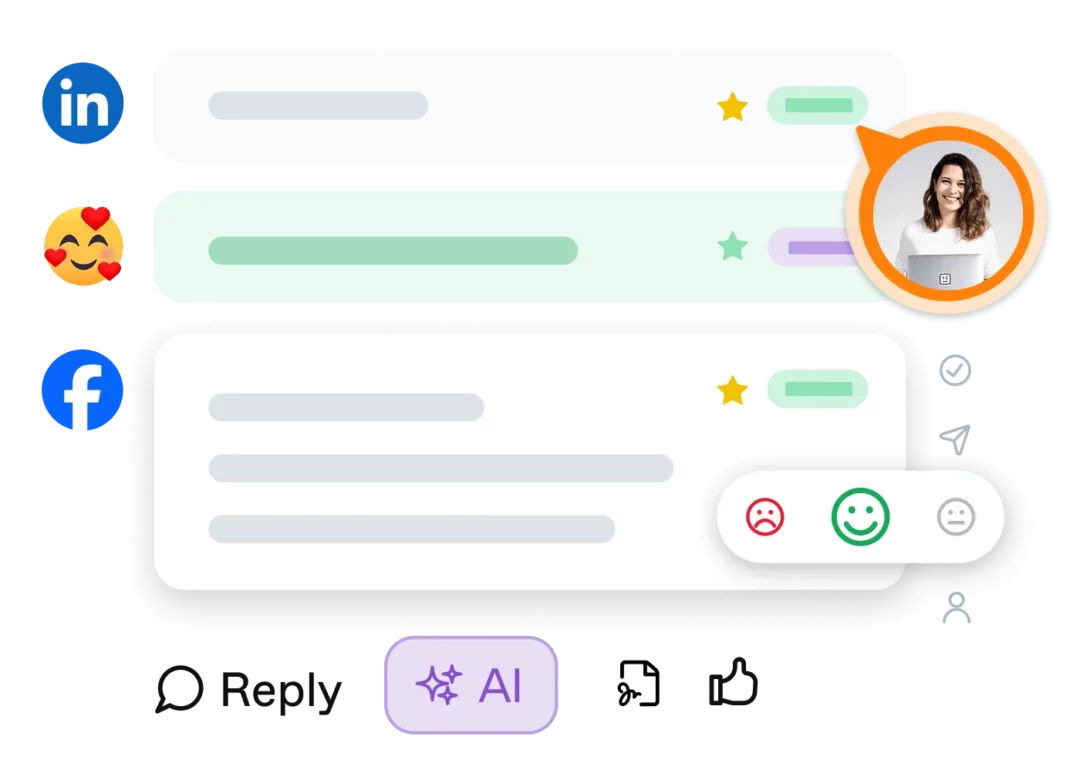








Say goodbye to chaotic community management


Community management with impact, in 4 steps

Every comment, DM, mention, and email lands as a ticket in one clear, central inbox. That's the end of tab-hopping, lost context, and overlooked comments.
Tickets get assigned, prioritized, and documented clearly. Workflows are practical and easy to follow, giving you reliable structure instead of added complexity.
AI helps you reply to, prioritize, and analyze comments. Manual work runs automatically, taking work off your plate so you can focus on what matters.
With built-in insights, you catch workload spikes, response times, and community mood early — before they become a problem.
A proven system for community management that works
A proven system for community management that works
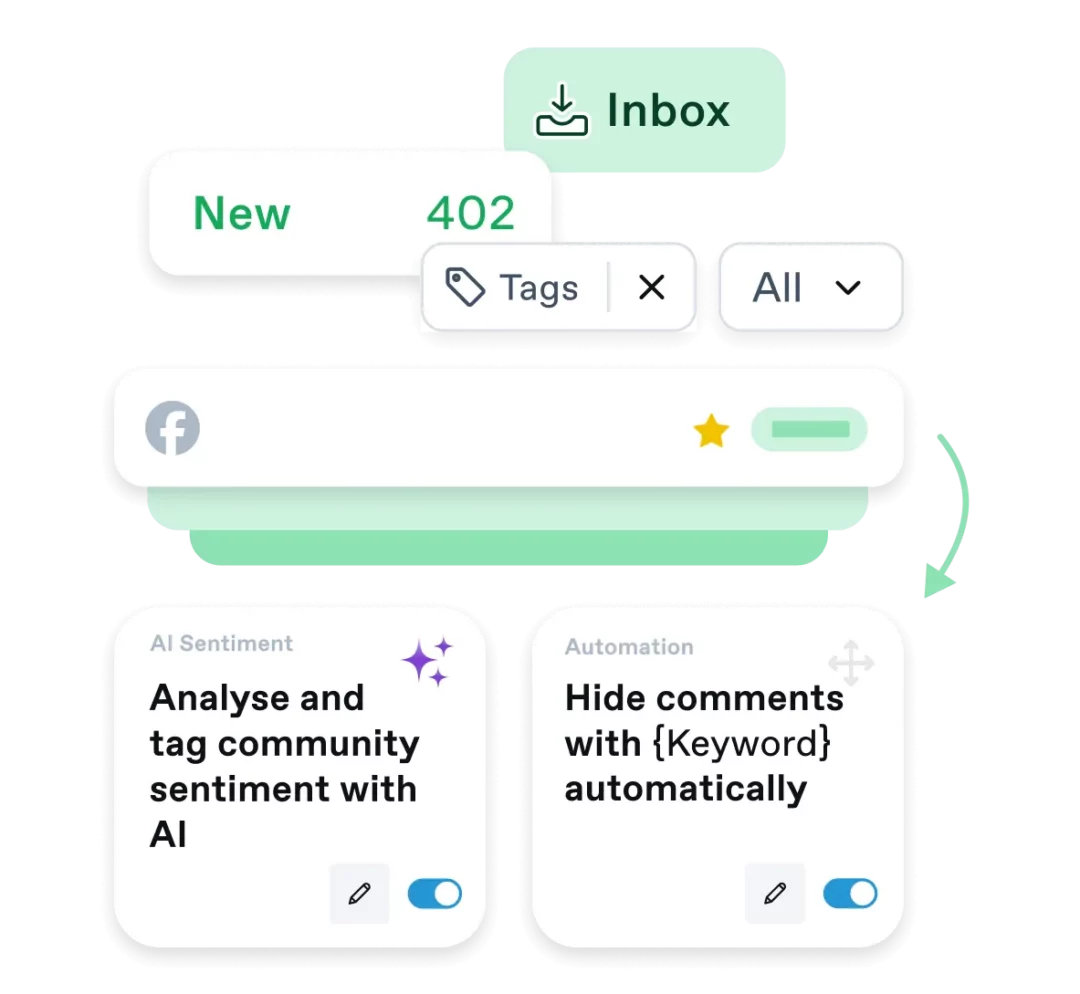
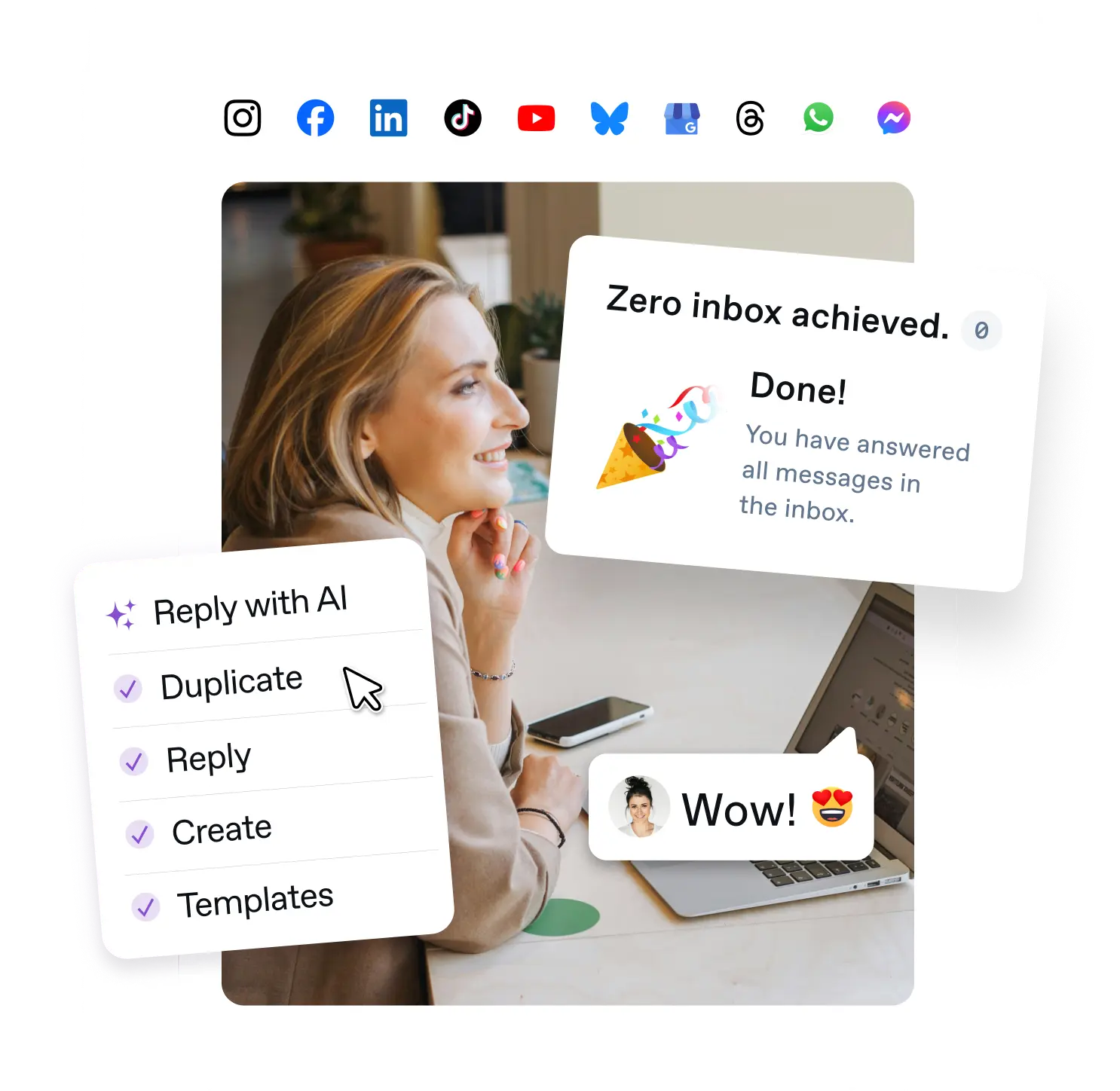
Interactions from all your social media channels, plus Google reviews and emails, in one central inbox. Handle them directly in Swat.io, without jumping between networks.
Whether it's community management, social customer service, or crisis communication: you always work in the same system, with the same clear workflows.
Find active and archived tickets in seconds. Filter by status, channel, sentiment, and more, instead of clicking through threads or hunting for the right message.
The comment list lets you work through large volumes efficiently — chronologically, with minimal clicking, scrolling, or switching between tickets. This workflow also includes filters so you can clearly prioritize what needs handling first.
Clear ownership instead of duplicate work
Workflows for effective division of labor and smooth handoffs
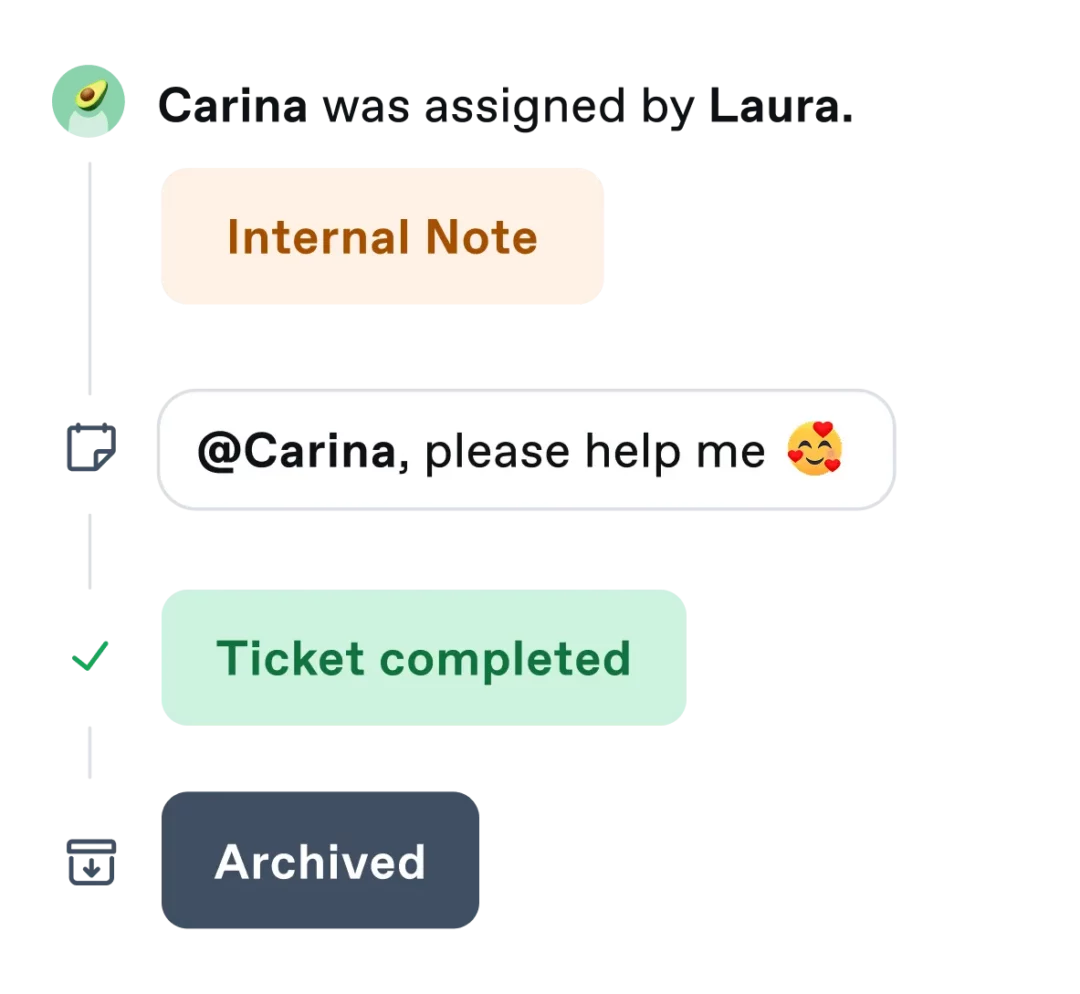
Tickets are assigned to one person at a time, visible to everyone. That way, everyone on the team knows who's responsible for what, and misunderstandings don't even get a chance to start.
Define exactly who can read, reply, or moderate. That reduces mistakes and keeps things secure, no matter how many people have access to the tool.
Every action is documented in the activity log. Activities, notes, @mentions, and tags keep everyone on the same page, right inside the ticket.
Bring in other departments or customers directly by email, without switching tools. Their replies appear automatically inside the ticket.
More focus on what matters, less on repetitive tasks
Practical automations that cut manual effort
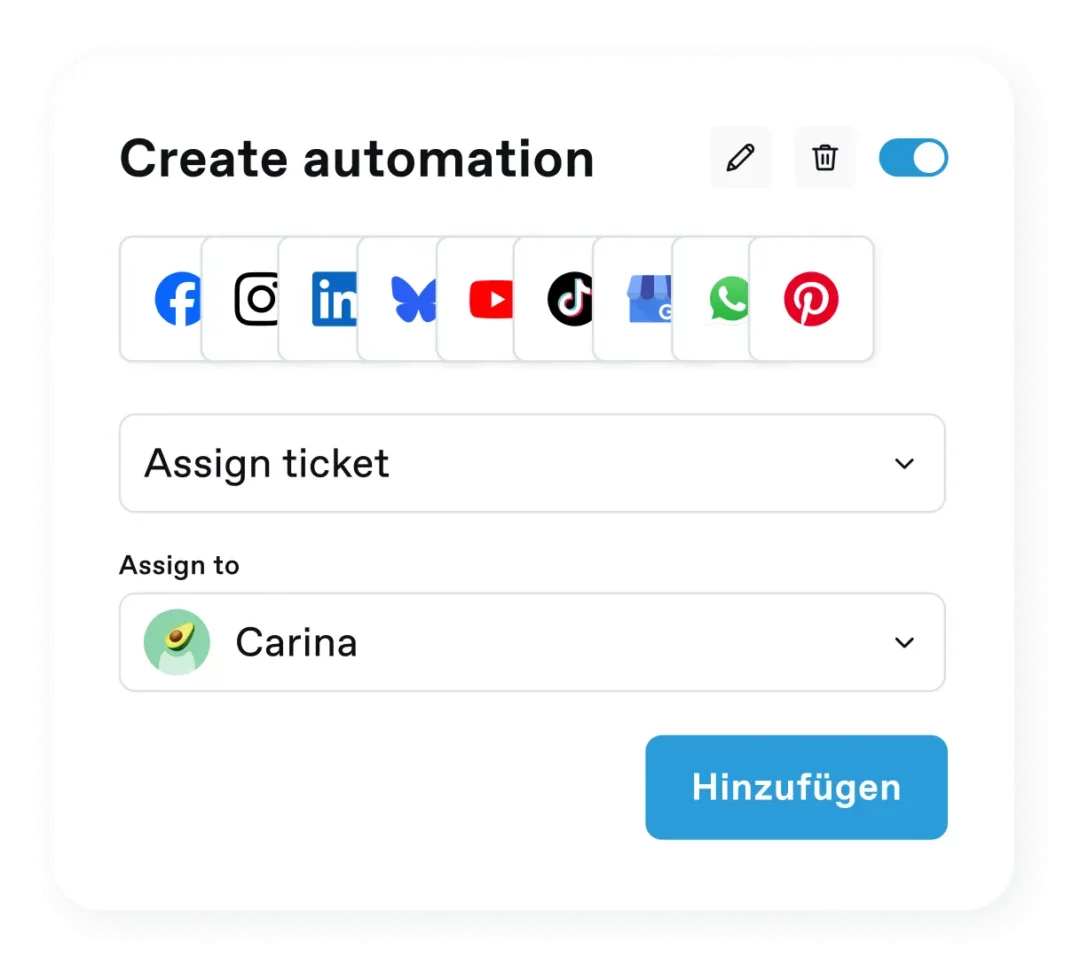
Spam, hate speech, or comments containing terms you define get automatically hidden or flagged, before a thread escalates.
Certain requests go straight to the right person. That saves time and shortens response paths.
Automations can be configured individually per channel, so you can tailor them to your audience, internal processes, and team needs on each platform.
Every automation is logged and traceable. That keeps you in control, even when processes run automatically.
Reply faster without sacrificing quality
AI that keeps learning and stays on-brand
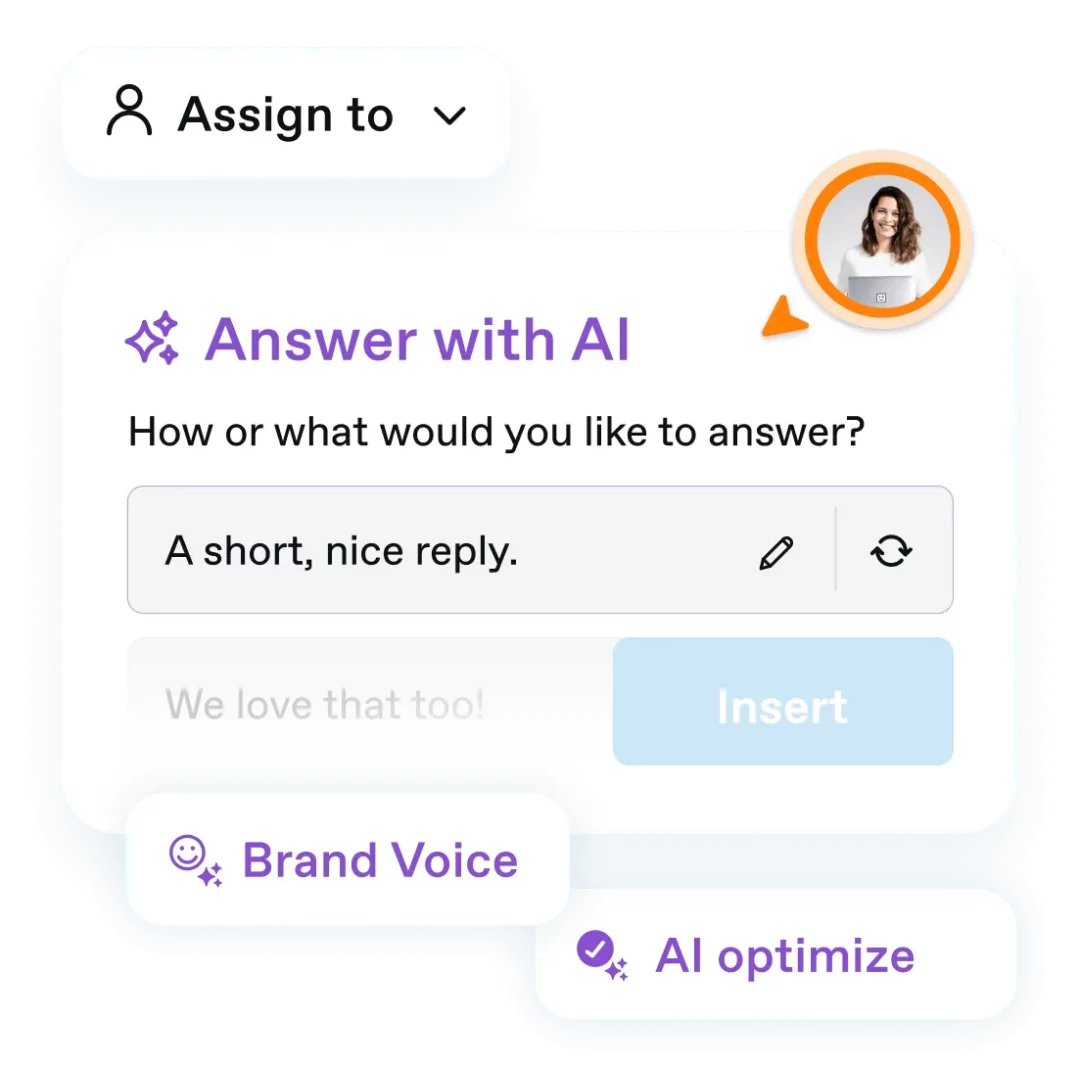
With AI replies, you automatically get two reply suggestions based on your past conversations and stored information, so they always sound like your brand.
Adjust tone, length, and wording with AI and send replies in seconds, instead of rewriting them yourself ten times.
Let AI scan your comments and automatically mark irrelevant ones as read or hide inappropriate comments, saving you countless clicks every day.
Turn on AI sentiment tagging and let every message and comment get categorized automatically. That doesn't just prioritize your most urgent requests, it also gives you an ongoing picture of your community's overall mood.
Data-driven decisions instead of gut feeling
Make workload, performance, and community mood visible
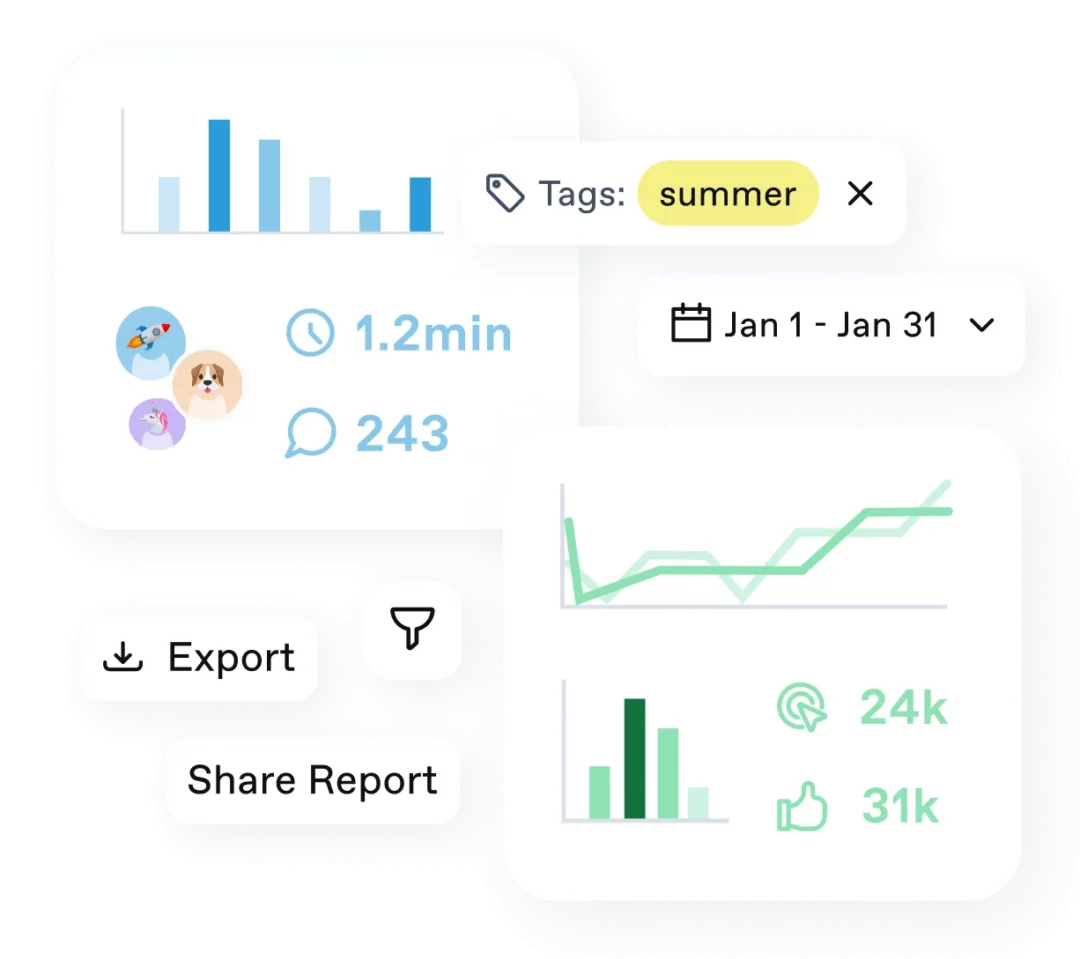
Analyze response times, ticket volume, assignments, and reopenings, and spot bottlenecks early.
Track sentiment, moderation effort, and brand mentions over time, so you always know how your community is doing and whether they're happy.
Analyze topics systematically and see what's moving your community. Tags at the comment level give you important clues for answering strategic questions.
Build clear dashboards without exports or Excel stunts. Thanks to a modular system, you put together tailored dashboards for marketing, support, or leadership.
Send reports fully automated, on a regular schedule, to the stakeholders who need them.
Understand your community, build real relationships
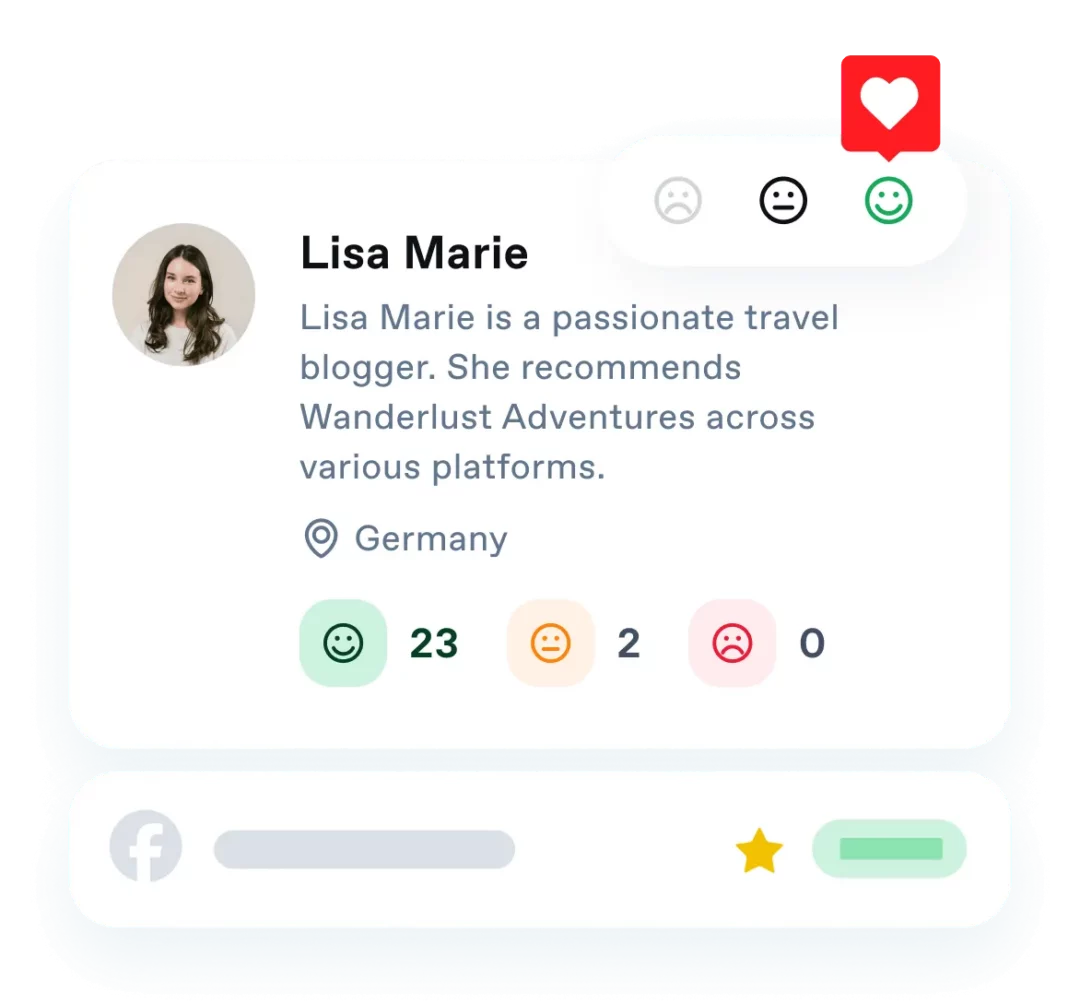
See at a glance how often, and in what context, someone has interacted with your brand, and what mood those interactions reveal.
Every comment, message, and mention is documented chronologically and fully visible.
Categorize users as, for example, superfans, existing customers, or critics, so they always get a reply that fits the situation.
Spot your most active supporters early and build a strategic relationship with them. Someone who genuinely champions your brand is often worth more than a paid influencer.
Data protection and stability, top priority
Here's why you can fully trust us
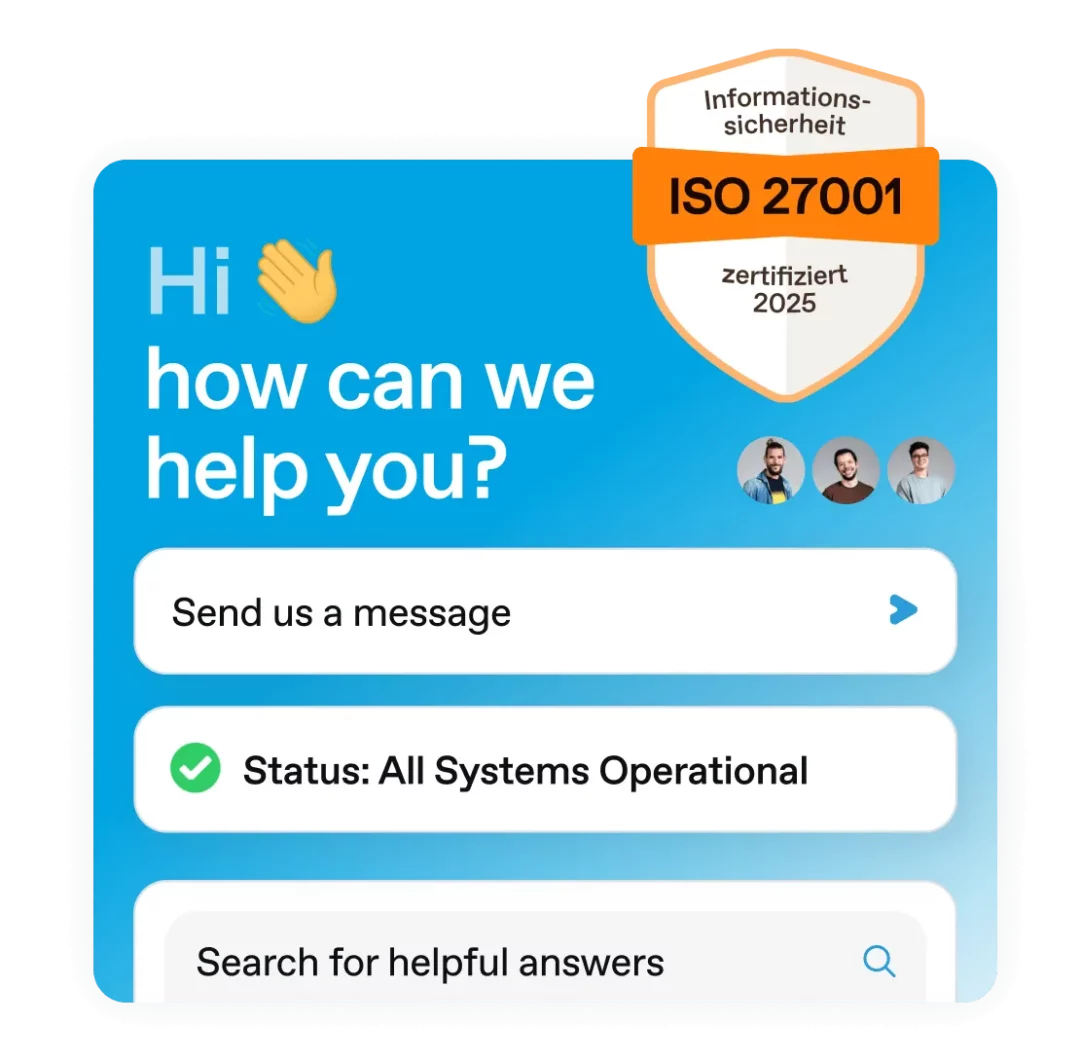
Our team helps you with questions or challenges quickly, with empathy and expertise.
Swat.io is ISO 27001 certified and GDPR-compliant, keeping your data secure. Read more about our security standards here.
Our stable infrastructure means you can always work with confidence.

Successful community management
starts today!


400+ reviews on



Frequently asked questions
What is the Swat.io inbox, and how does it help with community management?
The Swat.io inbox brings comments, messages, and mentions from every connected channel into one central view. Tickets get assigned, prioritized, and documented, instead of you jumping between networks. Combined with automations and AI support, that cuts your team's workload and makes sure no request slips through. Other well-known tools include Hootsuite or Sprout Social.
Which channels can be connected with the Swat.io inbox?
Comments, direct messages, and mentions from Instagram, Facebook, LinkedIn, YouTube, TikTok, Google Business Profile, WhatsApp, Messenger, Bluesky, and Threads land centrally in your inbox. You can connect your email inbox too. You also bring in Google reviews, all without switching tools.
Is the inbox included in every Swat.io plan?
The inbox is an add-on for the Small, Medium, and Large plans. It's already included in the Custom and Agency plans. Features like assignment, tags, automations, and AI replies are available from Medium up, while reply templates, the mini CRM, and AI sentiment analysis are Large-tier features. Pick the plan that matches your team's needs.
How does ticket assignment work across a team?
You assign a ticket to one person with a single click, visible to everyone on the team. That person gets notified and sees the request in their personal view. Every action shows up in the activity log inside the ticket, so notes, @mentions, and tags stay traceable and no one duplicates work.
What automations does Swat.io offer for community management?
Keyword automations and AI automations hide or flag spam and hate speech automatically, before a thread escalates. Swat.io routes certain requests straight to the right person. You can set automations individually per channel.
How does AI help with answering and prioritizing messages?
For every comment, Swat.io automatically suggests two reply options based on your past conversations. You adjust tone, length, and wording with AI instead of rewriting replies yourself multiple times. AI sentiment automatically categorizes messages by mood, so urgent requests stand out first.
What reporting do I get on team performance and community mood?
Inside the inbox, you see response times, ticket volume, assignments, and overall community sentiment right in the context of each ticket. For custom dashboards and automated reporting across channels, you pair the inbox with the Insights add-on, no spreadsheet exports or chart chaos required.
How secure is my data in the Swat.io inbox?
We do everything we can to keep your data secure. Swat.io is ISO 27001 certified, GDPR-compliant, and our servers are located in the EU. Two-factor authentication comes with every plan, along with roles and permissions that let you define who can read, reply, or moderate. That keeps your community management secure, even with many people involved.
Social media management that makes you and your community happy
- Process all comments & messages in one place
- More time to foster genuine relationships
- No more stress with community management

Full context instead of isolated replies